

Got a water damaged laptop screen? Act fast: turn the laptop off, unplug the charger, disconnect everything, and take out the battery if it’s removable. Wipe off any water you can see, then leave the laptop open upside down to dry. Don’t turn it on to “check” it while it’s still wet.
Below are seven steps to save a water damaged laptop screen, the common mistakes that make it worse, signs the water reached the screen, and what repairs usually involve.
[ADD PERSONAL EXPERIENCE: a short note about a spill you had, or helped someone with, and what happened to the laptop.]
Table of Contents
What to Do Right Away: 7 Steps
The first few minutes matter most. Water and electricity don’t mix, and the longer power runs through wet parts, the worse the damage.
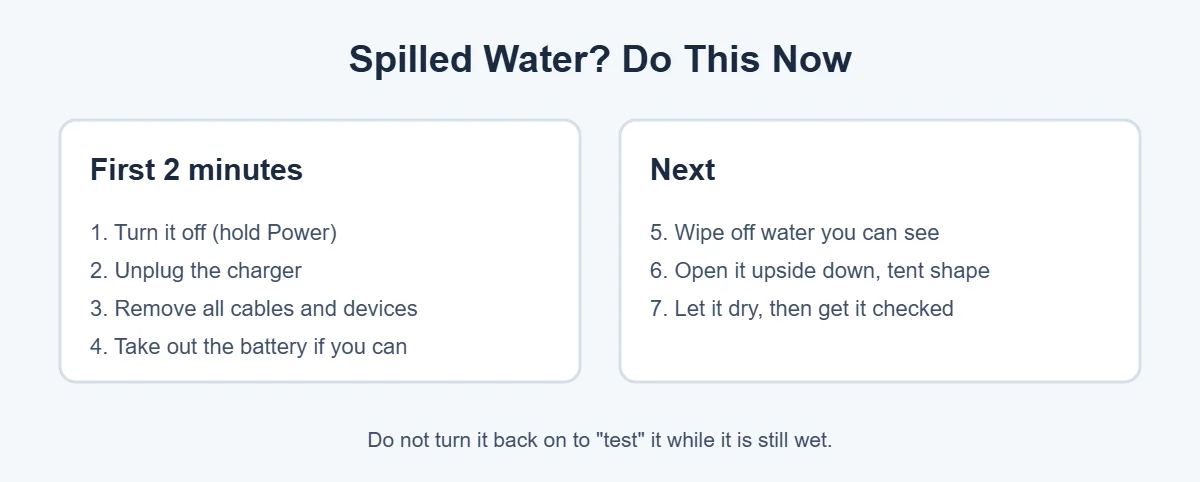
- Turn it off now. Hold the power button until the laptop shuts down.
- Unplug the charger. Pull it from the wall too.
- Remove everything. Unplug USB drives, mice and other devices.
- Take out the battery if your laptop has a removable one.
- Wipe off visible water with a soft, lint-free cloth. Don’t press on the screen.
- Turn it upside down and open it in a tent shape so water can drain away from the inside.
- Let it dry, then get it checked. Leave it in a dry room with good airflow for at least a day or two.
For its own liquid-detection alert, Apple says to shut the Mac down, keep it unplugged, and wait at least a day before trying again. That’s good advice for any water damaged laptop screen.
What NOT to Do
Some popular tips can turn a small spill into a big repair bill.
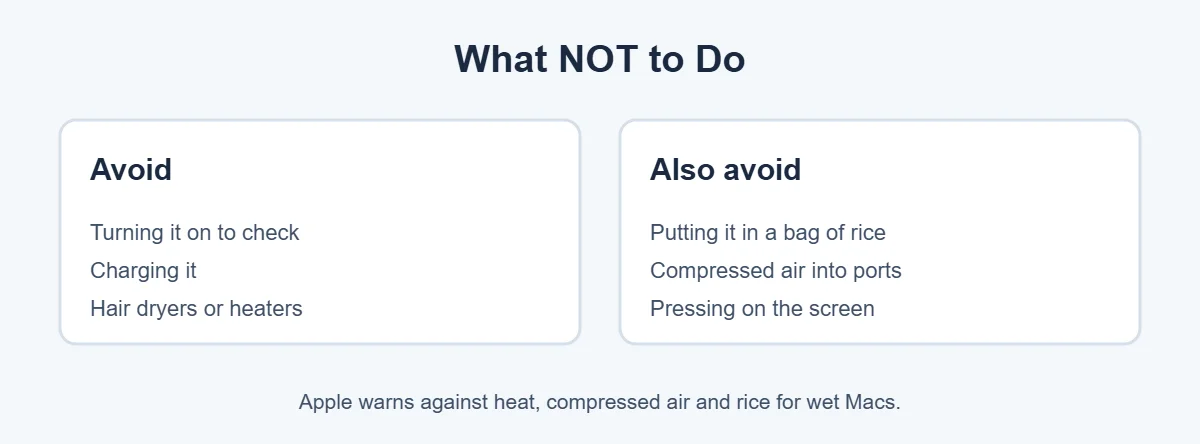
- Don’t turn it on or charge it until it’s fully dry.
- Don’t use a hair dryer or heater. Heat can warp parts and damage the screen layers.
- Don’t put it in rice. Apple specifically warns against using a bag of rice, as well as external heat and compressed air.
- Don’t press on the screen to push water out. It can spread the damage.
Signs of a Water Damaged Laptop Screen
Sometimes the laptop seems fine at first, and problems show up later as corrosion spreads.
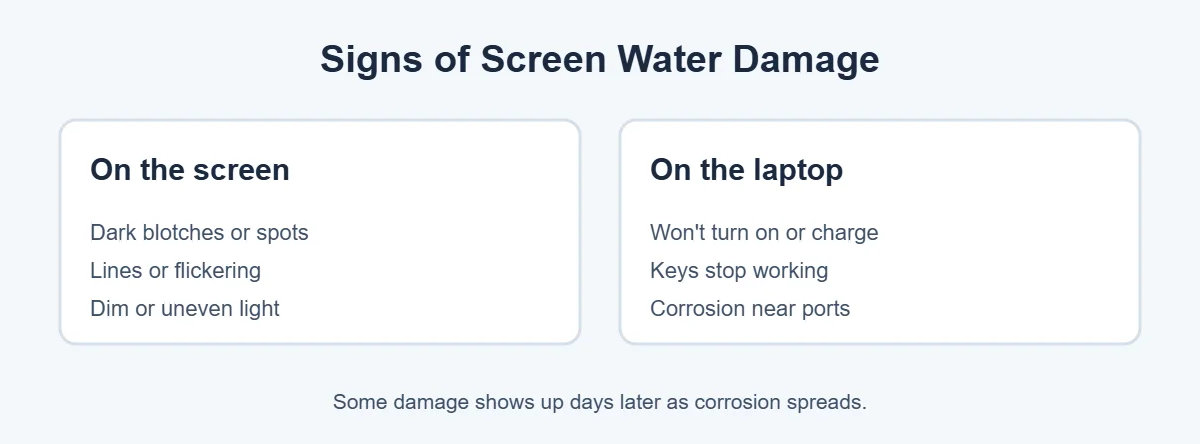
- Dark blotches, spots or “clouds” on the screen.
- Lines, flickering or uneven brightness.
- The laptop won’t turn on or won’t charge.
- Some keys or the touchpad stop working.
To check the screen itself, run your laptop’s built-in test once it’s dry. On a Dell, hold D and press Power to run the LCD self-test. If spots or lines show in the test, the panel is damaged.
Can You Fix a Water Damaged Laptop Screen?
It depends on how far the water got and how fast you acted.
- Water only on the outside: often fine after drying.
- Water inside the screen: spots and blotches usually mean the panel needs replacing.
- Water on the motherboard: a technician should clean it before corrosion spreads.
Even if the laptop works after drying, a professional cleaning is worth it, because hidden corrosion can cause problems weeks later.
Will Warranty Cover It?
Usually not. Apple says liquid damage to Mac computers isn’t covered by its limited warranty or AppleCare, unless you have a plan with accidental damage protection. Many Mac laptops have Liquid Contact Indicators that show if liquid got inside. Other brands generally treat spills as accidental damage too, so check whether your plan includes it.
How to Prevent Water Damage
- Keep drinks on a separate table, or use a cup with a lid.
- Use a keyboard cover if you often eat or drink at your desk.
- Back up your files regularly, so a spill doesn’t cost you your data.
If a water damaged laptop screen isn’t worth repairing, you can still get something for the laptop. Here’s where to sell or recycle a broken laptop, and why you shouldn’t throw it in the trash.
Frequently Asked Questions
Can a water damaged laptop screen be fixed?
Often, yes. If you turned the laptop off quickly and let it dry, it may work again. But water marks, spots or lines inside the screen usually mean the panel needs replacing. A technician can clean the inside and check for corrosion.
How long should I let my laptop dry after water damage?
Give it at least 24 to 48 hours in a dry, airy place, upside down in a tent shape, before you try to turn it on. Apple, for its liquid-detection alert, says to wait at least a day and keep it unplugged until it’s completely dry.
Should I put my wet laptop in rice?
No. Rice doesn’t pull water out of the inside of a laptop, and dust or grains can get into ports and vents. Apple specifically advises against putting a wet Mac in a bag of rice. Air drying in a warm, dry room is better.
Does warranty cover a water damaged laptop screen?
Usually not. Apple says liquid damage to Mac computers isn’t covered by its limited warranty or AppleCare, unless you have a plan with accidental damage protection. Most other brands treat spills as accidental damage too, so check your plan.
Why does my laptop screen have spots after a spill?
Water that gets between the screen layers can leave dark spots, blotches or uneven light. Even after drying, minerals can stay behind. If spots appear in your laptop’s built-in screen test, the panel itself is damaged.
How much does it cost to fix a water damaged laptop?
It depends on what the water reached. A simple cleaning costs much less than a new screen or motherboard. Get a quote from the maker or a trusted repair shop, and check if your plan includes accidental damage protection.
The Bottom Line
A water damaged laptop screen can often be saved if you act fast. Turn it off, unplug it, remove the battery if you can, drain it upside down and let it dry for a day or two. Skip the rice, heat and testing.
If you see spots or lines after it’s dry, the screen panel likely needs replacing. Get a quote, and check if your plan covers accidental damage.
{“@context”:”https://schema.org”,”@type”:”FAQPage”,”mainEntity”:[{“@type”:”Question”,”name”:”Can a water damaged laptop screen be fixed?”,”acceptedAnswer”:{“@type”:”Answer”,”text”:”Often, yes. If you turned the laptop off quickly and let it dry, it may work again. But water marks, spots or lines inside the screen usually mean the panel needs replacing. A technician can clean the inside and check for corrosion.”}},{“@type”:”Question”,”name”:”How long should I let my laptop dry after water damage?”,”acceptedAnswer”:{“@type”:”Answer”,”text”:”Give it at least 24 to 48 hours in a dry, airy place, upside down in a tent shape, before you try to turn it on. Apple, for its liquid-detection alert, says to wait at least a day and keep it unplugged until it’s completely dry.”}},{“@type”:”Question”,”name”:”Should I put my wet laptop in rice?”,”acceptedAnswer”:{“@type”:”Answer”,”text”:”No. Rice doesn’t pull water out of the inside of a laptop, and dust or grains can get into ports and vents. Apple specifically advises against putting a wet Mac in a bag of rice. Air drying in a warm, dry room is better.”}},{“@type”:”Question”,”name”:”Does warranty cover a water damaged laptop screen?”,”acceptedAnswer”:{“@type”:”Answer”,”text”:”Usually not. Apple says liquid damage to Mac computers isn’t covered by its limited warranty or AppleCare, unless you have a plan with accidental damage protection. Most other brands treat spills as accidental damage too, so check your plan.”}},{“@type”:”Question”,”name”:”Why does my laptop screen have spots after a spill?”,”acceptedAnswer”:{“@type”:”Answer”,”text”:”Water that gets between the screen layers can leave dark spots, blotches or uneven light. Even after drying, minerals can stay behind. If spots appear in your laptop’s built-in screen test, the panel itself is damaged.”}},{“@type”:”Question”,”name”:”How much does it cost to fix a water damaged laptop?”,”acceptedAnswer”:{“@type”:”Answer”,”text”:”It depends on what the water reached. A simple cleaning costs much less than a new screen or motherboard. Get a quote from the maker or a trusted repair shop, and check if your plan includes accidental damage protection.”}}]}